控制中心
Control Centre 是一个将场景中最重要的属性集中展示以便快速访问的地方。这对于绑定或与同事或客户共享场景特别有用。
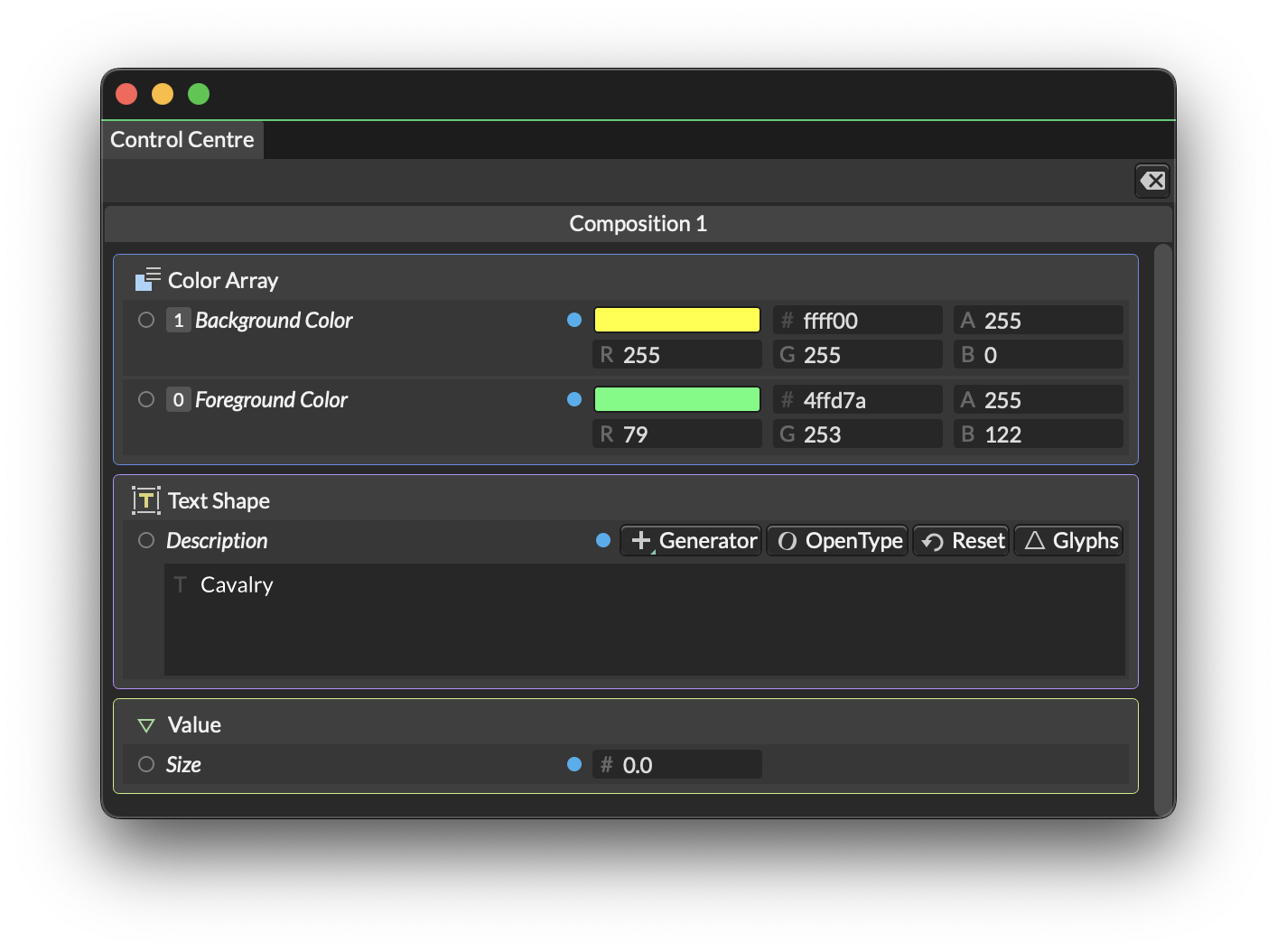
要向 Control Centre 添加属性,请在 Attribute Editor 中右键单击一个属性并选择 Add to Control Centre。
要从 Control Centre 移除属性,请在 Control Centre 或 Attribute Editor 中右键单击一个属性并选择 Remove from Control Centre。
如果你从不同 Composition 添加属性到 Control Centre,这些属性将出现在每个 Composition 的标签页中。
向 Control Centre 添加属性时,Attribute Editor 的行上会出现一个蓝色小圆点。