Push Along Vector
沿向量變形 Shape。
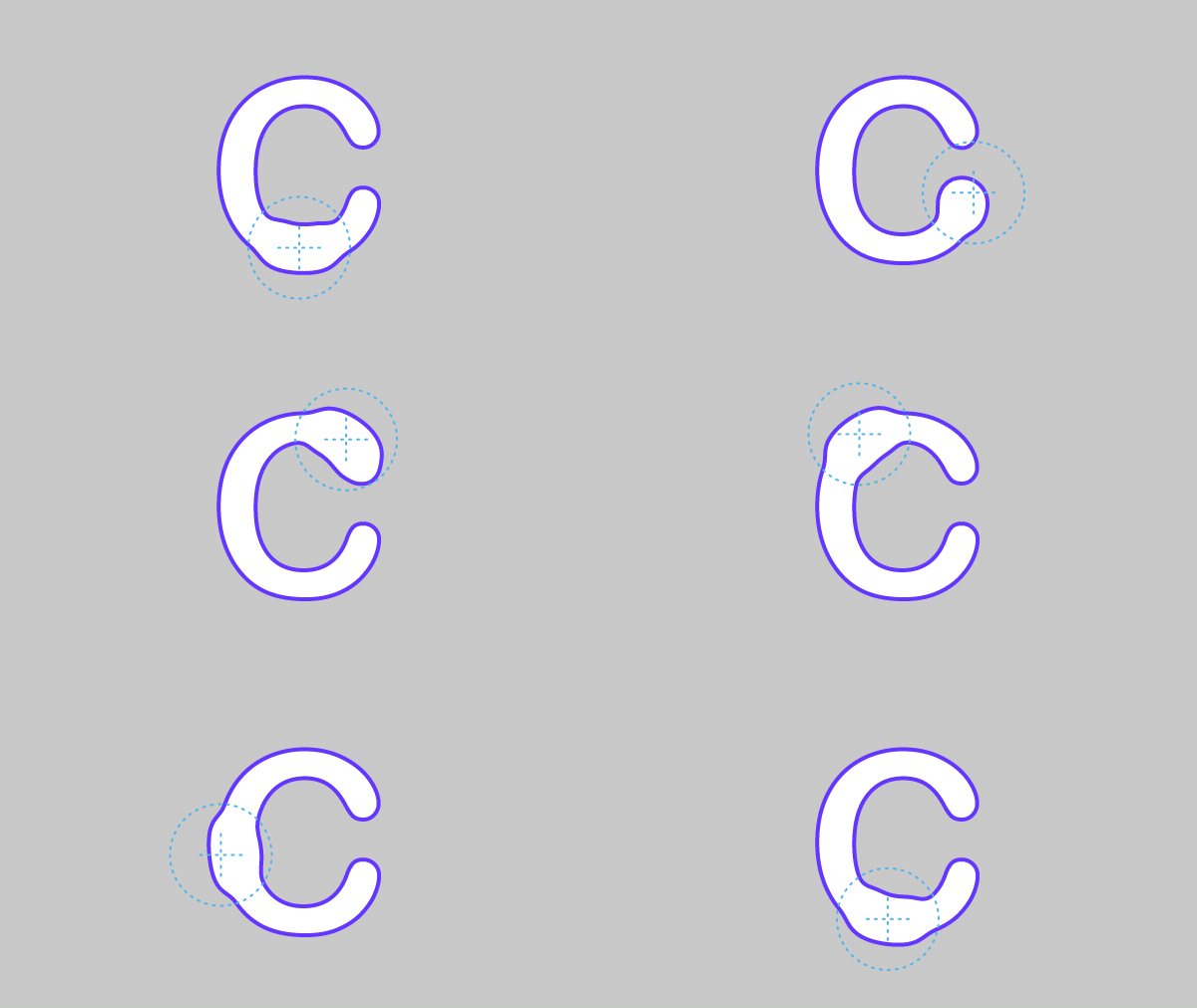
Use Normals - 勾選後,變形將基於 Shape 的法線。取消勾選後,點將從 Shape 的中間開始變形。
Direction - 手動設定變形所沿的向量。
Reverse Direction - 反轉 Direction。
沿向量變形 Shape。
Use Normals - 勾選後,變形將基於 Shape 的法線。取消勾選後,點將從 Shape 的中間開始變形。
Direction - 手動設定變形所沿的向量。
Reverse Direction - 反轉 Direction。