Extrude
擠出 Shapes 以呈現深度感。例如,將 Ellipse 連接到 Extrude 將建立一個圓柱形。
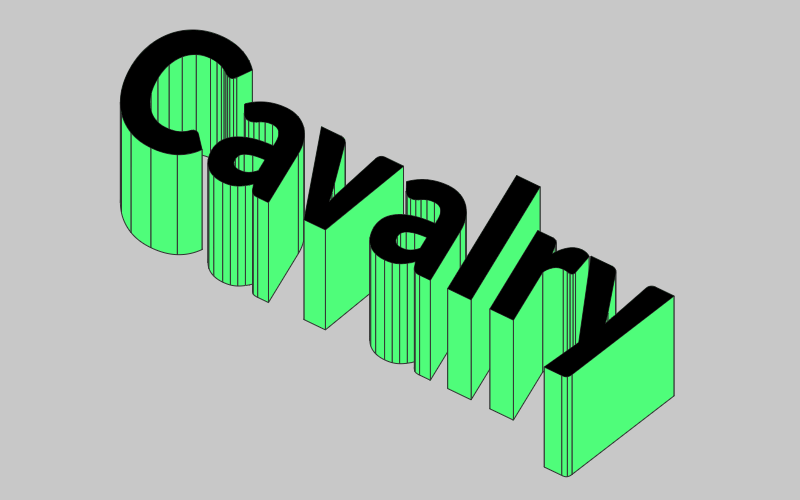
Input Shapes - 連接要擠出的 Shapes。參見 Input List。
Extrude Distance - 設定擠出的距離。
Extrude Angle - 設定擠出的角度。
Level Mode - 這些預設為您設定 Level 值。有關更多資訊,請參見 Sub-Mesh。
- Custom… - 手動設定 Custom Level。
- Text (Lines) - 設定 Level 值為 1。
- Text (Words) - 設定 Level 值為 2。
- Text (Characters) - 設定 Level 值為 3。
- All - 影響所有子網格,無論 Level 如何。
Custom Level - 手動設定 Level 值。
Combine Meshes - 勾選時,用於建立整體 Shape 的各個網格將合併為單個網格。為 Extrude 新增 Stroke 時,這會將 Stroke 隔離到外部邊緣。這也有助於消除網格之間有時可見的細微間隙。
Cap End - 勾選時,將在擠出末端新增一個蓋子。這有助於消除網格之間有時可見的細微間隙。
Back-face Culling - 勾選時,不可見的擠出部分將不會被繪製。
- 建立一個 Extrude。
- 建立一個 Polygon。
- 連接 polygon.id→extrude.inputShapes。