控制中心
Control Centre 是一個將場景中最重要的屬性集中展示以便快速存取的地方。這對於綁定或與同事或客戶共用場景特別有用。
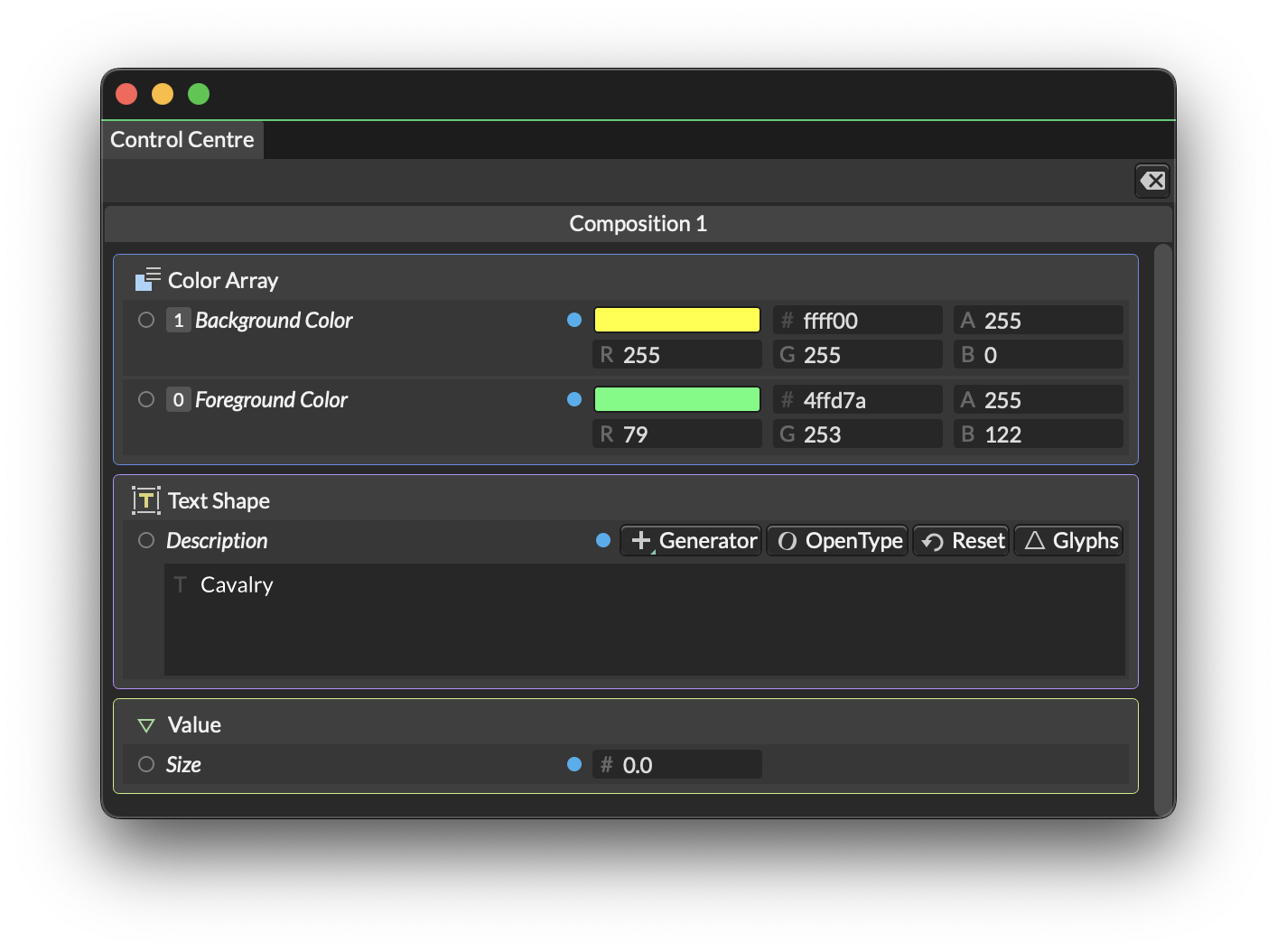
要向 Control Centre 新增屬性,請在 Attribute Editor 中右鍵按一下一個屬性並選擇 Add to Control Centre。
要從 Control Centre 移除屬性,請在 Control Centre 或 Attribute Editor 中右鍵按一下一個屬性並選擇 Remove from Control Centre。
如果你從不同 Composition 新增屬性到 Control Centre,這些屬性將出現在每個 Composition 的標籤頁中。
向 Control Centre 新增屬性時,Attribute Editor 的行上會出現一個藍色小圓點。