Light Sweep Filter
模擬光源在 Layer 上移動。
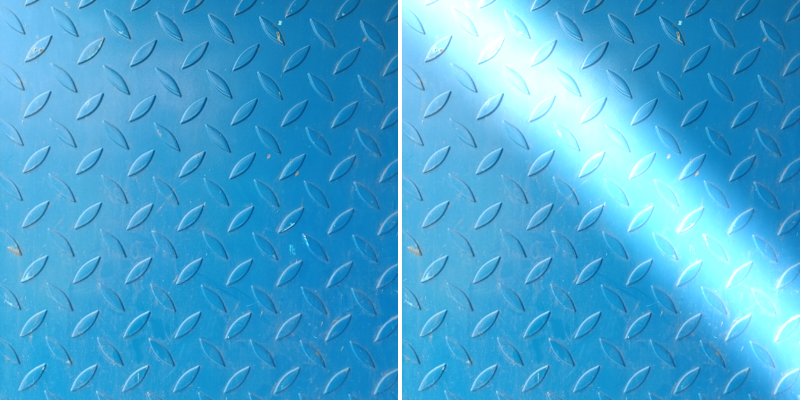
Photo by Tomáš Pokorný on Unsplash
Sweep Intensity - 設定光源的亮度。
Direction - 設定掃光在 Layer 上移動的角度(度)。
Shape - 選擇掃光的形狀。
Centre - 設定掃光的中心點。
Cone Width - 設定光束的寬度。
Centre Percentage - 設定錐形寬度中保持完全照亮的百分比。
Use Falloff - 當 Shape 設定為 Line 時,限制掃光從 Centre 沿 Y 軸的距離。
Falloff Distance - 設定經過 Centre 後光線衰減的距離。
Edge Intensity - 設定掃光邊緣額外發光的強度。
Edge Thickness - 當 Edge Intensity 大於 0 時,設定掃光邊緣的厚度。
Light Color - 設定光線的顏色。