Background Blur Filter
Background Blur Filter 對位於另一個 Shape 內部的 Shape 區域進行模糊處理。它可用於柔化背景元素或將其焦點移開——這是 UI 設計中用於互動選單的常見效果。
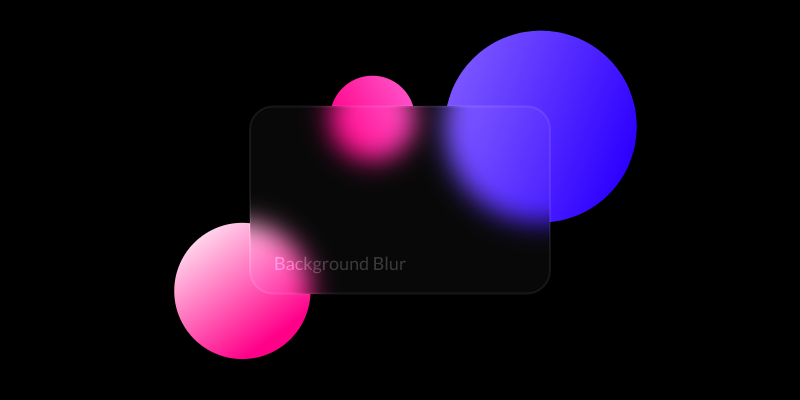
Blur Amount - 設定要套用於 Shape 的模糊量(像素)。
Blur Shape - 連接一個 Shape 來定義模糊套用的範圍。
- 建立 2 個 Shapes(Shape1 和 Shape2)。
- 將它們稍微分開,使一個有部分重疊在另一個上。
- 將 Shape1 載入 Attribute Editor,點擊 Filters 屬性上的
+按鈕,選擇 Background Blur。 - 將 Shape2 作為 Blur Shape 連接到 Background Blur。
- 將 Shape2 的 Opacity 設定為 10%。
檢視其他模糊 Filters:
Bilateral Blur Filter→ Fast Blur Filter→ Box Blur Filter→ Directional Blur Filter→ Gaussian Blur Filter→ Luminance Blur Filter→ Zoom Blur Filter→