Vignette Filter
特定のタイプのレンズを通して画像を見たときの光の減衰特性をシミュレートします。
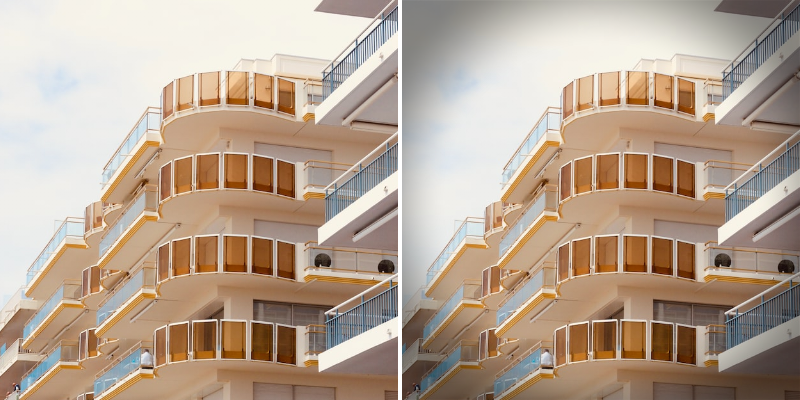
Photo by Tom Depont on Unsplash
Offset - Shape の中心から Vignette の位置をオフセットします。
Scale - Vignette のサイズを増減します。
Rotation - Shape の中心を中心に Vignette を回転します。
Exposure - Vignette が覆う画像の露出を増減します。
Feather - Vignette のエッジの柔らかさを増減します。
Vignette Shape - Vignette の形状を選択します:
- Circle - 円形。Vignette は Shape のアスペクト比に合わせて引き伸ばされることに注意してください。
- Shape - 任意の Sides 数を持つ多角形。
Sides - Vignette Shape が Shape に設定されている場合、多角形の辺の数を決定します。
Color - Vignette の色を設定します。